Sync Shopify to monday CRM in under 10 minutes
Bring your Shopify customers, orders, products, inventory, and more into monday CRM without spreadsheets, manual imports, or custom development. Configure your sync once and keep your boards automatically up to date.
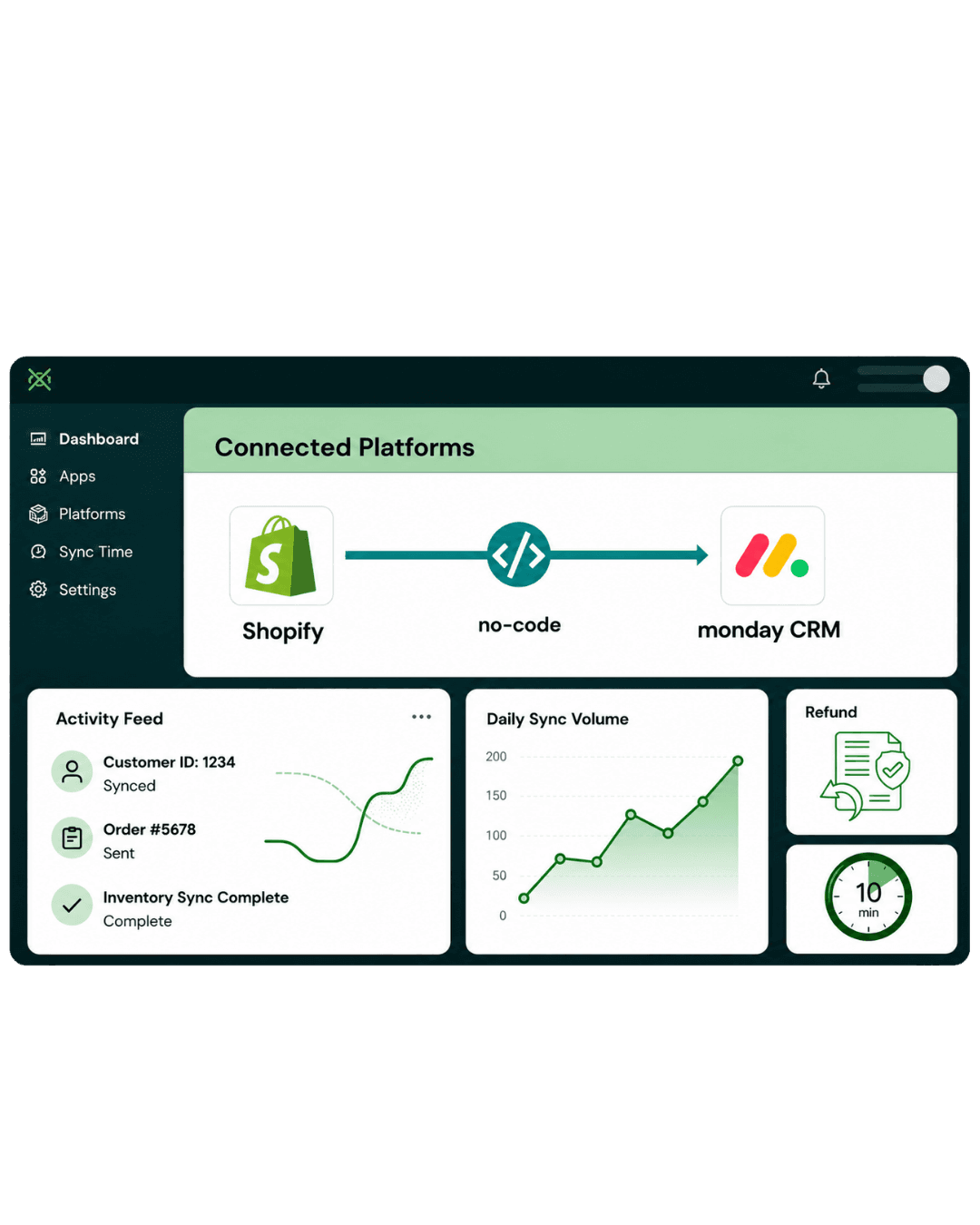
Three simple steps to keep Shopify and monday CRM in sync
Connect your store, choose what you want to sync, and let Syncify automatically keep your monday CRM boards updated
Connect Your Shopify Store
Securely connect your Shopify store using OAuth authentication. Once connected, Syncify securely accesses the Shopify data you've authorized for synchronization.
Automated Action
Your Shopify store is connected securely and ready to synchronize.
Configure Your Sync
Select the Shopify objects you want to import, choose your monday boards, and map Shopify fields to the appropriate monday CRM columns.
- Customers
- Orders
- Products
- Collections
- Inventory
- Draft Orders
Automated Action
Your mapping configuration is saved and reused for every synchronization.
Start Syncing
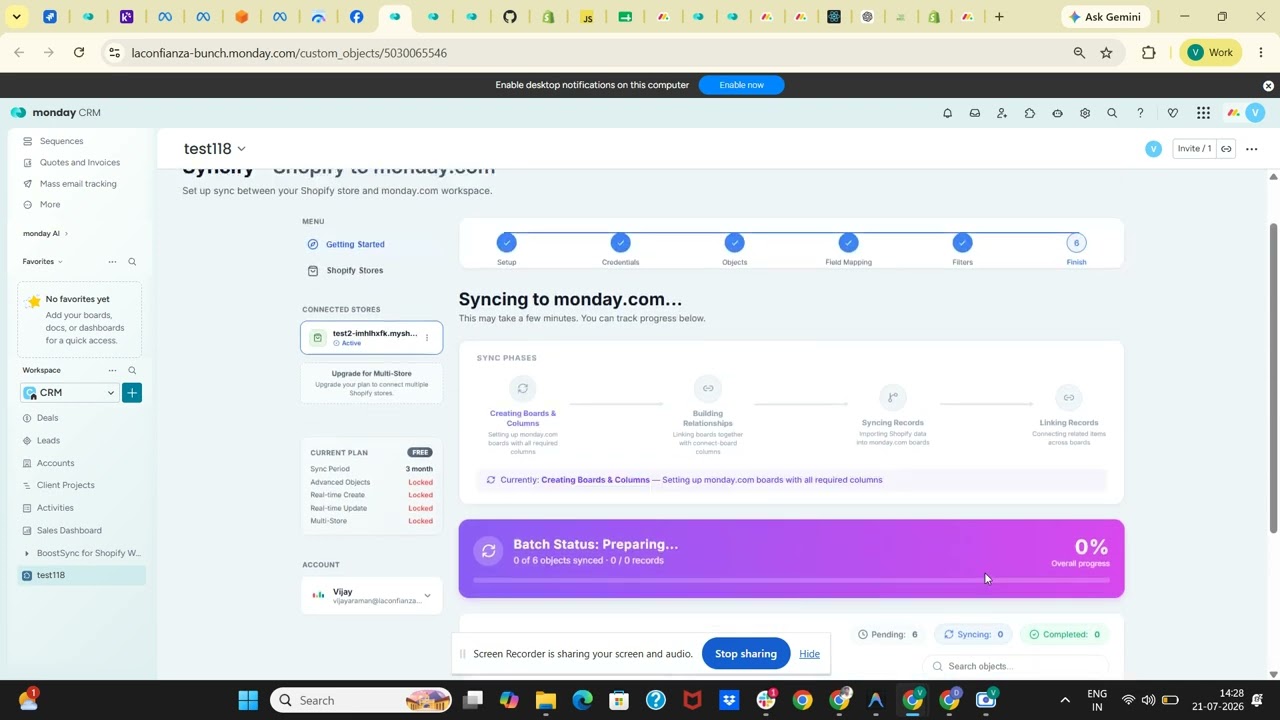
Run your first historical import, then keep your monday CRM updated with manual, scheduled, or real time synchronization depending on your plan.
Automated Action
New Shopify records automatically flow into monday CRM.
Complete Step-by-Step Setup for monday CRM & Shopify
Follow our detailed walkthrough to install Syncify from the monday.com Marketplace, link your Shopify store, choose sync objects, and map your board columns.
Install Syncify from the monday.com Marketplace
Easily discover, install, and add the Syncify app directly to your monday.com workspace in three quick steps.
Open the monday.com Marketplace
- Sign in to your monday.com account.
- Open the monday.com Marketplace and search for "Syncify".
- Open the Syncify application listing.
Install the Application
- Select "Install / Add to your account".
- Choose the monday.com account or workspace where you want to use Syncify.
- Review the requested permissions and continue with the installation.
Open Syncify
- After installation, open Syncify from your monday.com workspace.
- The Syncify application will open inside monday.com.
First-Time Setup & Shopify Authorization
When Syncify is opened for the first time, you need to connect your Shopify store before synchronizing data.
Start Shopify Connection
- On the Syncify home screen, select: Connect Shopify Store.
- Syncify will start the secure Shopify authorization process.
Enter or Select Your Shopify Store
- Provide the Shopify store that you want to connect (e.g. your-store.myshopify.com).
- Continue to the Shopify authorization page.
your-store.myshopify.comAuthorize Syncify in Shopify
- Shopify will display the permissions requested by Syncify.
- Review the requested permissions.
- If you agree, select the appropriate Install / Authorize option in Shopify.
- After successful authorization, Shopify redirects you back to Syncify.
Verify the Connection
- After returning to Syncify, the connected Shopify store will be displayed in the application.
- Verify that the correct Shopify store is displayed.
- Verify that the connection status indicates that the store is connected.
- Verify that the store is available for synchronization. Once connected, proceed with synchronization setup.
Connection Verification Checklist
Confirm these indicators in Syncify before proceeding to data synchronization:
Configure Shopify Data Synchronization
After connecting Shopify, select the Shopify data that you want to synchronize with monday CRM.
Select Supported Objects to Synchronize
- Choose the Shopify data that you want to synchronize with monday CRM.
- Depending on your plan and enabled features, Syncify supports all major e-commerce objects.
- Select the required object/data type to begin configuration.
Supported Shopify Objects for monday CRM Sync
Configure the monday Board
Select the monday board where the Shopify data should be synchronized and ensure all required columns exist.
Select Target monday Board
- Select the monday board where the Shopify data should be synchronized.
- Make sure that the selected board contains the required columns for the data you want to import.
Verify Column Alignment
- Verify the required columns exist on your board to receive Shopify data.
- The exact columns depend on the Shopify object being synchronized.
Customer Board Example
For example, a customer board may contain the following columns:
Customer Name
Full Name
Customer Email Address
Phone
Contact Number
Address
Shipping & Billing
Shopify Store ID
Unique Store Identifier
Shopify Customer ID
Shopify Record ID
* The exact board columns depend on the Shopify object being synchronized (e.g., Order boards require Order Number, Payment Status, Fulfillment Status, and Total Price).
Watch the Step-by-Step Setup Video
Built for complete Shopify data synchronization
Syncify supports the Shopify resources that matter most, with flexible board mapping and custom field configuration.
Shopify Object
Orders
monday CRM Sync
monday Sales Orders Board
Shopify Object
Customers
monday CRM Sync
monday Contacts Board
Shopify Object
Products & Variants
monday CRM Sync
monday Products Board
Shopify Object
Inventory Levels
monday CRM Sync
monday Inventory Board
Shopify Object
Refunds
monday CRM Sync
monday Finance Board
Shopify Object
Fulfillment Status
monday CRM Sync
monday Fulfillment Board
Shopify Object
Draft Orders
monday CRM Sync
monday Quotes Board
Shopify Object
Collections
monday CRM Sync
monday Product Groups
Need custom board mapping?
Create your own mapping between Shopify data and any monday CRM board using Syncify's flexible field mapping.
No. Syncify is designed for business users and can be configured without writing code.
Most merchants complete setup and begin synchronizing data in less than ten minutes.
Yes. You can import historical Shopify data during your initial setup. Premium plans support full historical imports.
Depending on your plan, you can synchronize Customers, Orders, Products, Variants, Inventory, Collections, Draft Orders, Fulfillments, Refunds, Locations, Transactions, and more.
Yes. You can map Shopify fields to both standard and custom monday CRM boards.
Yes. Syncify uses secure OAuth authentication and only accesses the data required to perform synchronization.
Yes. Premium plans support connecting multiple Shopify stores to a single monday CRM workspace.
Free plans support manual synchronization. Premium plans include automatic real time synchronization for supported Shopify events.
Ready to connect Shopify with monday CRM?
Install Syncify in minutes and automate the flow of your Shopify data into monday CRM without spreadsheets or manual imports.