Every feature you need to stay in sync
Syncify is purpose-built for ecommerce teams that run on Salesforce. Every feature is designed to eliminate data friction, improve visibility, and keep your platforms aligned automatically.
Free 7-Day Trial Included
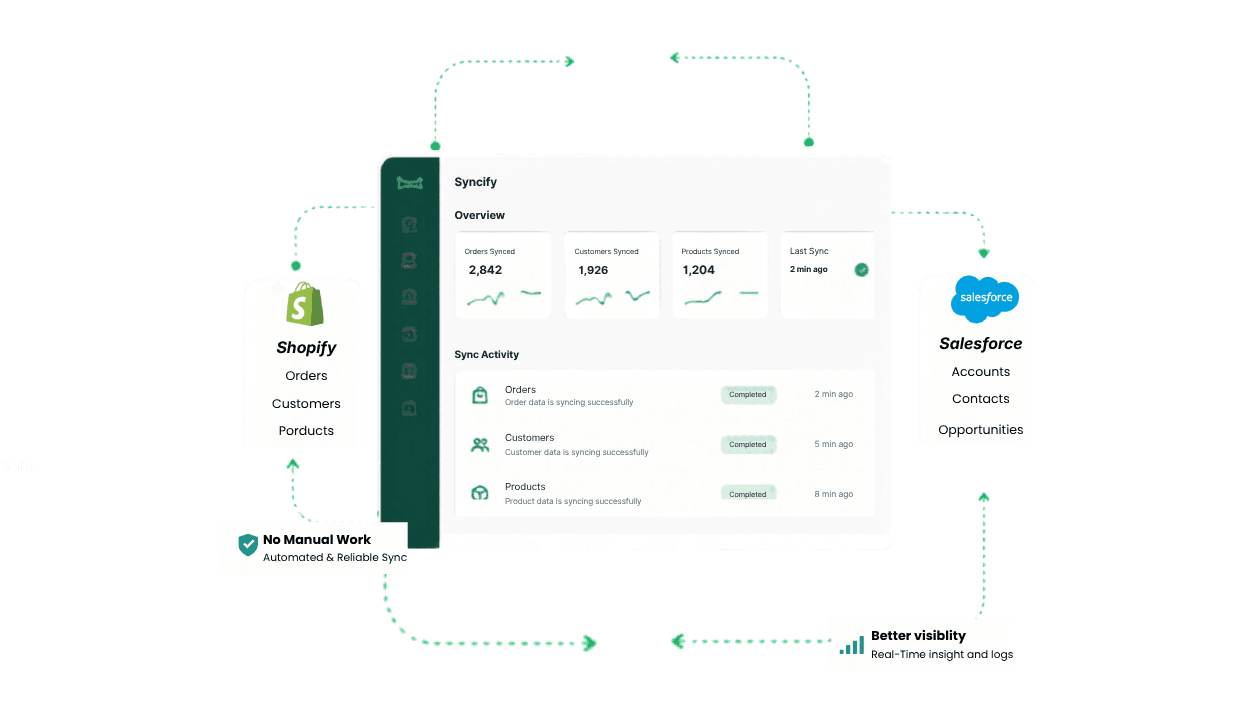
The complete Shopify-Salesforce sync toolkit
Most integration tools give you a basic one-way data push and call it done. Syncify gives you full control bi-directional sync, custom field mapping, multi-store management, and transparent monitoring everything your team needs to run on accurate data, every day.
Core Sync Features
Real-Time Sync
The moment a customer places an order, updates their details, or a product changes in Shopify, Syncify pushes that data to Salesforce instantly.
No waiting for a scheduled sync.
No stale records.
Your teams always work with the most current information available.
✨ Always work with up-to-date information across every team.

Bi-Directional Sync
Most connectors only push data one way from Shopify to Salesforce.
Syncify syncs in both directions.
Update a customer record or order note in Salesforce and it reflects back in Shopify automatically.
No team's work is ever overwritten or lost.

Multi-Store Sync
Running more than one Shopify storefront? Syncify connects all of your stores to a single Salesforce organisation.
Manage orders, customers, and products across every storefront from one unified view.
No switching accounts, no duplicate setups.

Data & Automation
Automated Order Sync
New order in Shopify? It appears in Salesforce automatically.
Complete with customer details, line items, shipping information, payment status, and fulfilment data.
No manual trigger.
No webhook setup required.
It simply works from the moment you enable sync.

Customer Info Logging
Syncify automatically creates or updates account and contact records in Salesforce.
Name, email, phone, address, and purchase history, all synced and kept current without any manual data entry.

Inventory Management
Inventory levels are synced in real time between Shopify and Salesforce.
Your operations and sales teams always have an accurate view of what's in stock.

Multi-Currency Support
Sell internationally? Syncify handles multi-currency transactions with accuracy.
All order values, refunds, and transaction amounts are synced and reflected in the correct currency in Salesforce.
No manual conversions, no formatting errors.

Monitoring & Control
Custom Field Mapping
Every business structures its data differently.
Syncify's visual field mapping editor lets you define exactly which Shopify fields map to which Salesforce fields.
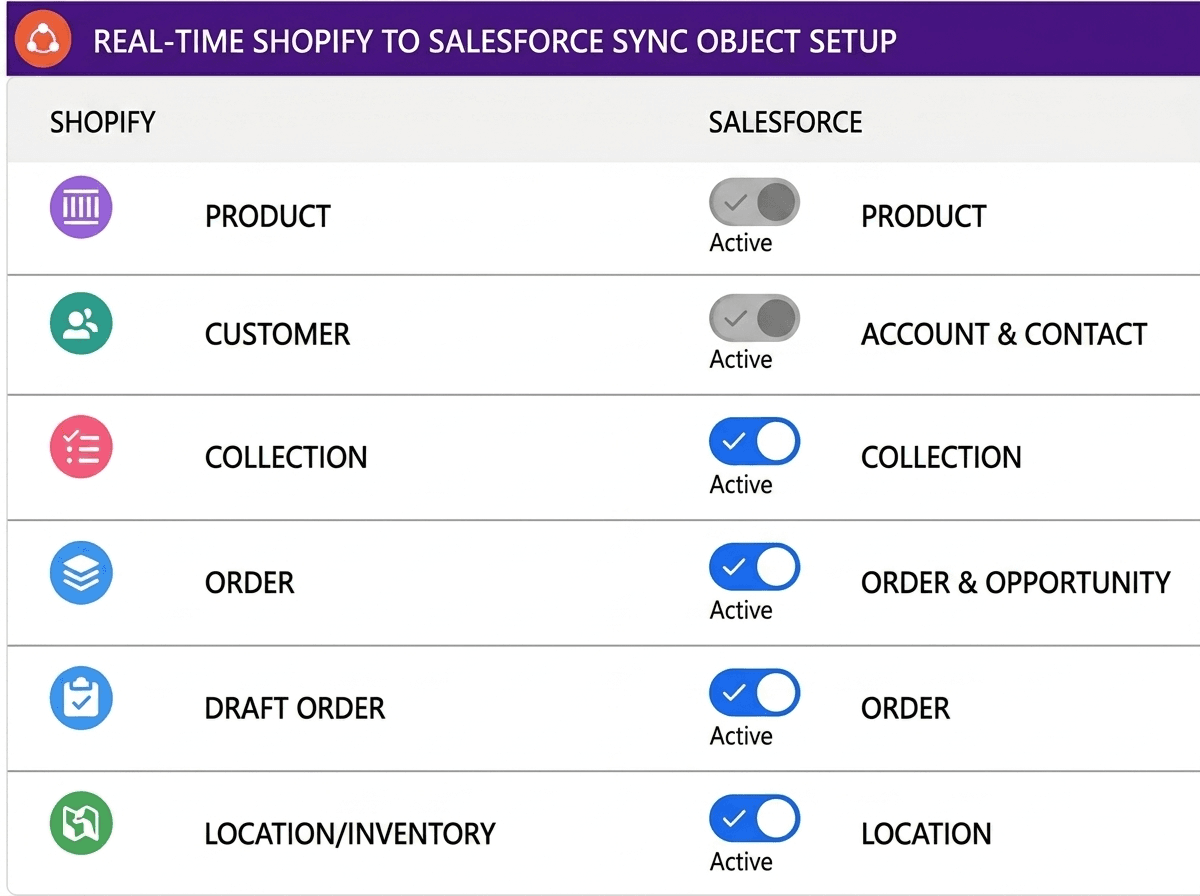
Error Monitoring & Sync Logs
Every sync event is logged with a timestamp, the record affected, and the outcome.
If something fails, you'll know exactly what happened, when it happened, and what needs attention.
Resolve issues quickly without raising a support ticket.

Webhook-Based Data Flow
Syncify uses Shopify's native webhook infrastructure to detect and act on events the moment they happen and not on a polling schedule.
This means faster data delivery, lower latency, and a more reliable sync experience regardless of your store's order volume.

Setup & Scalability
No-Code Setup
Syncify is designed to be configured by business users and not developers.
The guided onboarding wizard, visual field mapper, and plain-language settings mean your team can have a full sync running in under 10 minutes, without writing a single line of code.

Legacy Data Import
Starting with an existing Shopify store? Syncify's one-click historical import brings all your past orders, customers, and products into Salesforce in one go, whether you have 1,000 or 1,000,000 records, the import handles it without performance issues.

How work changes with Syncify
New order placed in Shopify
Manually exported and entered into Salesforce
Automatically synced to Salesforce in under 20 -30 mins
Customer record updated in Salesforce
Change stays in Salesforce only Shopify remains out of date
Reflected back in Shopify instantly (Pro plan)
Multiple Shopify stores
Managed separately with no unified view
All stores connected to one Salesforce
International order in foreign currency
Requires manual currency conversion and re-entry
Synced with correct currency data automatically
Sync failure
No visibility when discovered by accident or customer complaint
Logged and resolvable from the dashboard
New team member onboarding
Weeks of training on manual data processes
Syncify handles the data, they focus on the work
See every feature working
Our team will walk you through Syncify's full feature set and answer your technical questions.
Book a Demo